Most YouTube videos don’t lose viewers because the idea is bad. They lose viewers in the edit. A slow first 10 seconds, a long pause, a dead stretch of talking with nothing changing on screen, and people click away. YouTube notices, and the video stops getting recommended.
I’ve been making videos for my own channel for years, and my studio now edits for other creators too. These are the editing habits that make the biggest difference to how long people watch. You can use them in any editor: Premiere Pro, DaVinci Resolve, CapCut or Final Cut.
1. Start with the payoff, not the intro
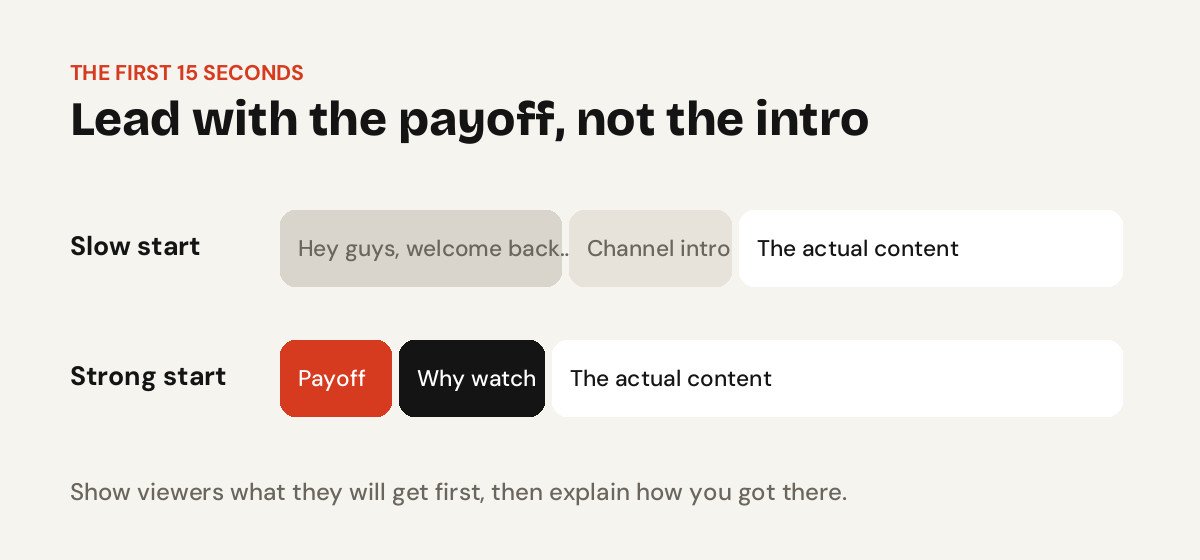
The first 15 to 30 seconds decide whether someone stays. Don’t open with “Hey guys, welcome back to my channel.” Open with the most interesting moment, the result, or the question the video answers. Show the viewer what they’ll get, then explain how you’ll get there.
Editing tip: after you finish the edit, go back and find your strongest 5 seconds. Try putting a short version of it at the very start.
2. Cut every pause and repeated line
Talking-head videos feel slow mostly because of tiny gaps: breaths, “umm”, restarting a sentence. Removing them (often called jump cuts) can make a 15-minute recording feel like a tight 10-minute video without losing any information.
- Cut the silence between sentences, but leave a few frames so it doesn’t sound robotic.
- When you said something twice, keep only the better take.
- Remove side stories that don’t help the main point.
3. Change something on screen every few seconds
Viewers get bored when the picture stays the same for too long. You don’t need flashy effects. Small changes are enough:
- Switch between a wide shot and a slight punch-in (zoom to 110–120%) on alternate cuts.
- Add B-roll when you talk about something the viewer can see.
- Use a simple text pop-up for key numbers, names or steps.
- Show your screen when you explain a tool or app.
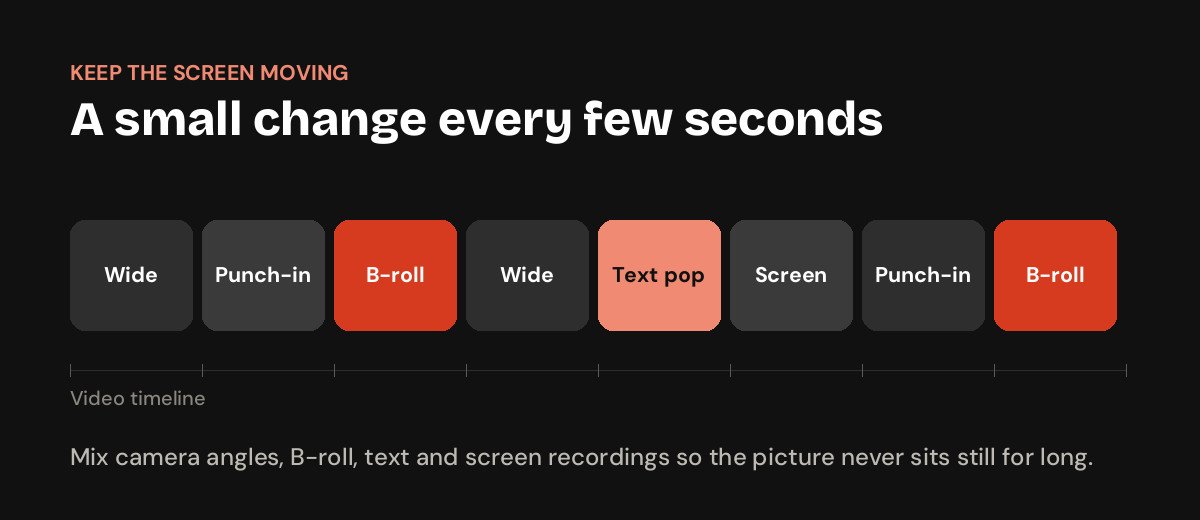
The goal is a steady rhythm of small visual changes, not constant noise.
4. Add captions people can actually read
Many people watch on their phones, sometimes with the sound low. Clear captions help them follow along and keep their eyes on the screen. Keep them short (a few words at a time), use a bold, readable font, and place them where they don’t cover your face.
5. Use sound to guide attention
Audio matters as much as the picture. Bad sound makes people leave faster than bad video.
- Clean up background noise and keep your voice at a steady volume.
- Keep background music quiet so it never fights your voice.
- Use a light sound effect (a whoosh or click) on transitions and pop-ups, not on every cut.
- Change the music when the video moves to a new section. It tells the viewer something new is starting.
6. Keep the story moving with “open loops”
An open loop is a small promise: “I’ll show you the result at the end” or “the third mistake is the one most people make.” It gives viewers a reason to keep watching. In the edit, make sure each section ends by pointing to the next one instead of stopping flat.
7. Check your retention graph and fix the drops
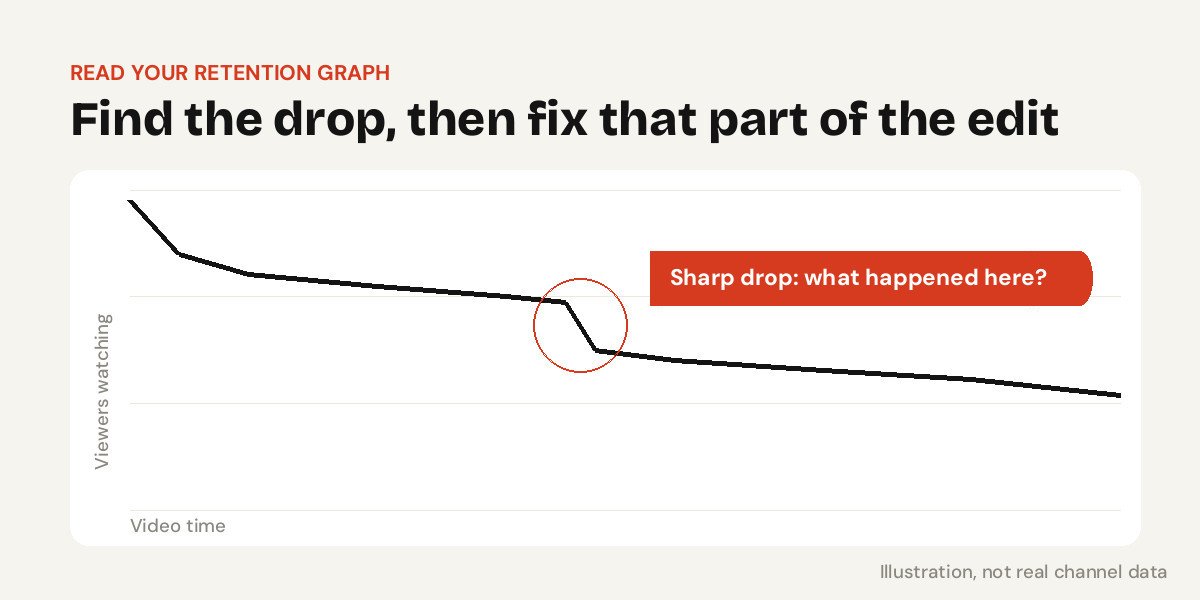
YouTube Studio shows exactly where people leave each video. Open the audience retention graph and look for sharp drops. Then go back to that moment in your edit and ask: was it slow, confusing, or off-topic? Fix that pattern in your next video. Over a few uploads, this one habit teaches you more than any tutorial.
A quick checklist before you upload
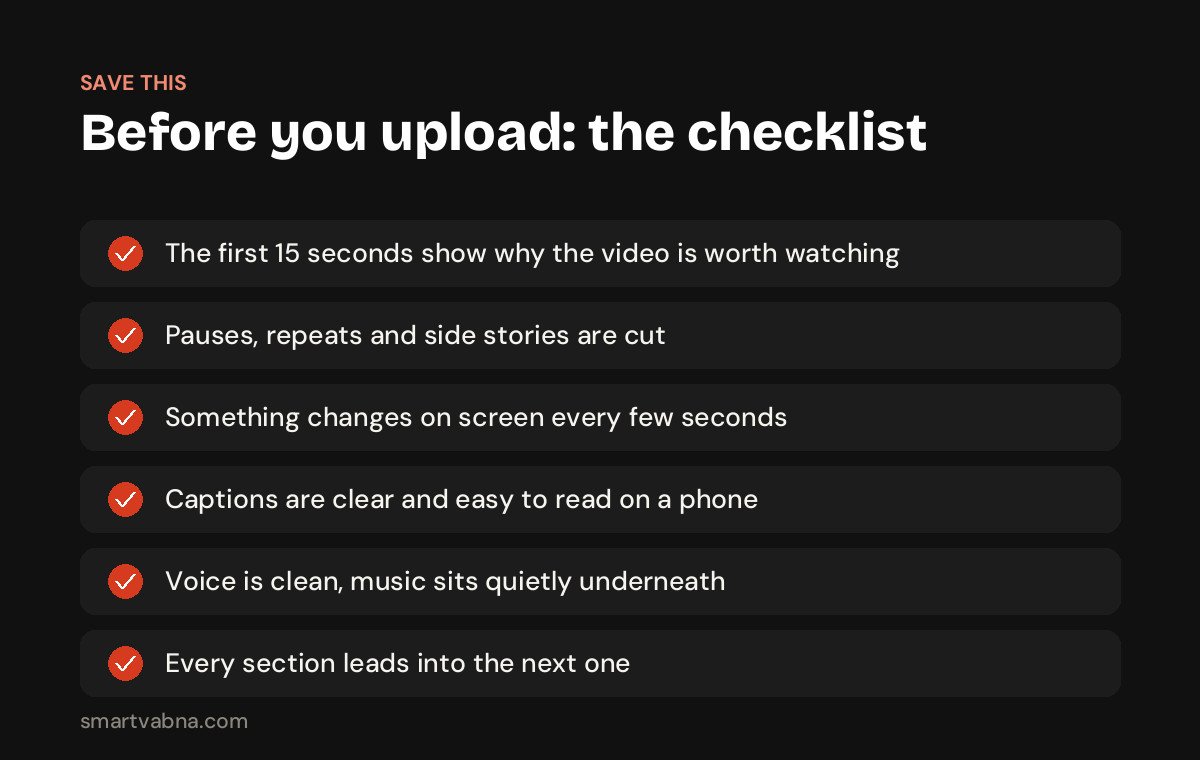
- Does the first 15 seconds show why the video is worth watching?
- Have you removed pauses, repeats and side stories?
- Does something change on screen every few seconds?
- Are captions clear and easy to read on a phone?
- Is your voice clear, with music sitting quietly underneath?
- Does every section lead into the next one?
Watch: how a video editor can grow your channel faster
I made a full video on this topic. It explains how working with a dedicated editor frees up your time, helps you upload more consistently and makes every video more watchable.
Want someone to handle the editing for you?
Editing like this takes time, often several hours for a single video. If you’d rather spend that time making content, my studio edits YouTube videos, Shorts and Reels for creators and brands, with these retention habits built into every edit.
And if you’d like to learn editing yourself, I share tips regularly on my YouTube channel.